Contacts
Keep your vet, farrier, trainer, and everyone else's numbers where you can find them — and attach them to the right horses.
Your contacts are the people who keep your horses going: the vet, the farrier, the trainer, the barn manager, whoever you call in an emergency. HorseBook keeps them in one list so you're not digging through your phone at a bad moment — and once a contact's in there, you can pin them to a horse and pick them from a dropdown when you log a vet visit or an expense.
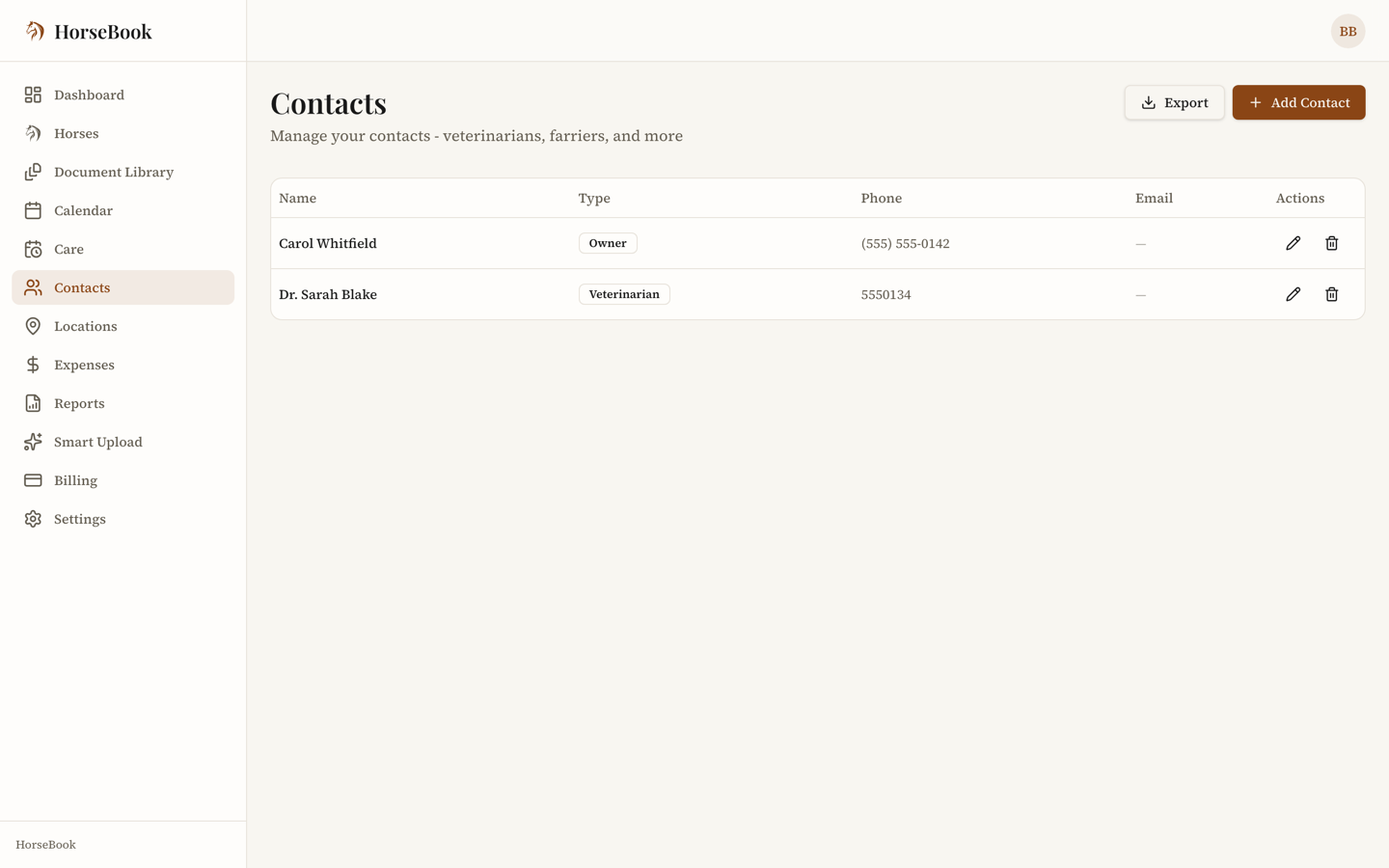
Adding a contact
- 1
Open Contacts. On the web, it's in the main navigation. On iPhone, contacts live on the Farm tab.
- 2
Add a new contact and fill in what you've got. You need either a person's name or a business name — one or the other is enough, so a barn saved only as "Cedar Ridge Equine Vet" works fine.
- 3
Pick a type so you can filter later. The types are: Owner, Emergency, Veterinarian, Farrier, Chiropractor, Trainer, Barn manager, Breeder, Buyer, Mare owner, Stallion owner, and Other. (On iPhone, the last four arrive with version 1.1.18.)
- 4
Add phone, email, and address if you have them, plus any notes ("does cold trims," "text don't call"). Save.
On iPhone, a saved contact gets swipe actions — swipe to call or email without leaving the app.
Linking a contact to a horse
You can attach a contact to one or more horses, and mark them as the primary of their type for that horse — the primary vet, the primary farrier. When you later add a medical record or an expense for that horse, HorseBook offers the linked contact so you're not retyping "Dr. Alvarez" every time.
- 1Open the contact, or open the horse's profile and go to its contacts.
- 2
Link the two, and set the contact as primary for its type if that's who you usually use.
Where contacts show up
A contact you've saved becomes selectable everywhere it makes sense:
- Medical records — pick the provider instead of typing it
- Expenses — pick the vendor
- Calendar events — attach who the appointment's with
So it's worth adding your regulars once, early. After that they're a tap away.
Both web and iPhone
Contacts work the same on the web dashboard and the iPhone app, and they sync automatically — add the farrier on your phone at the barn, and he's there on the web that evening.