Say what you did
Describe what happened in one sentence, and HorseBook turns it into the right records on the right horses, with a confirm screen before anything saves.
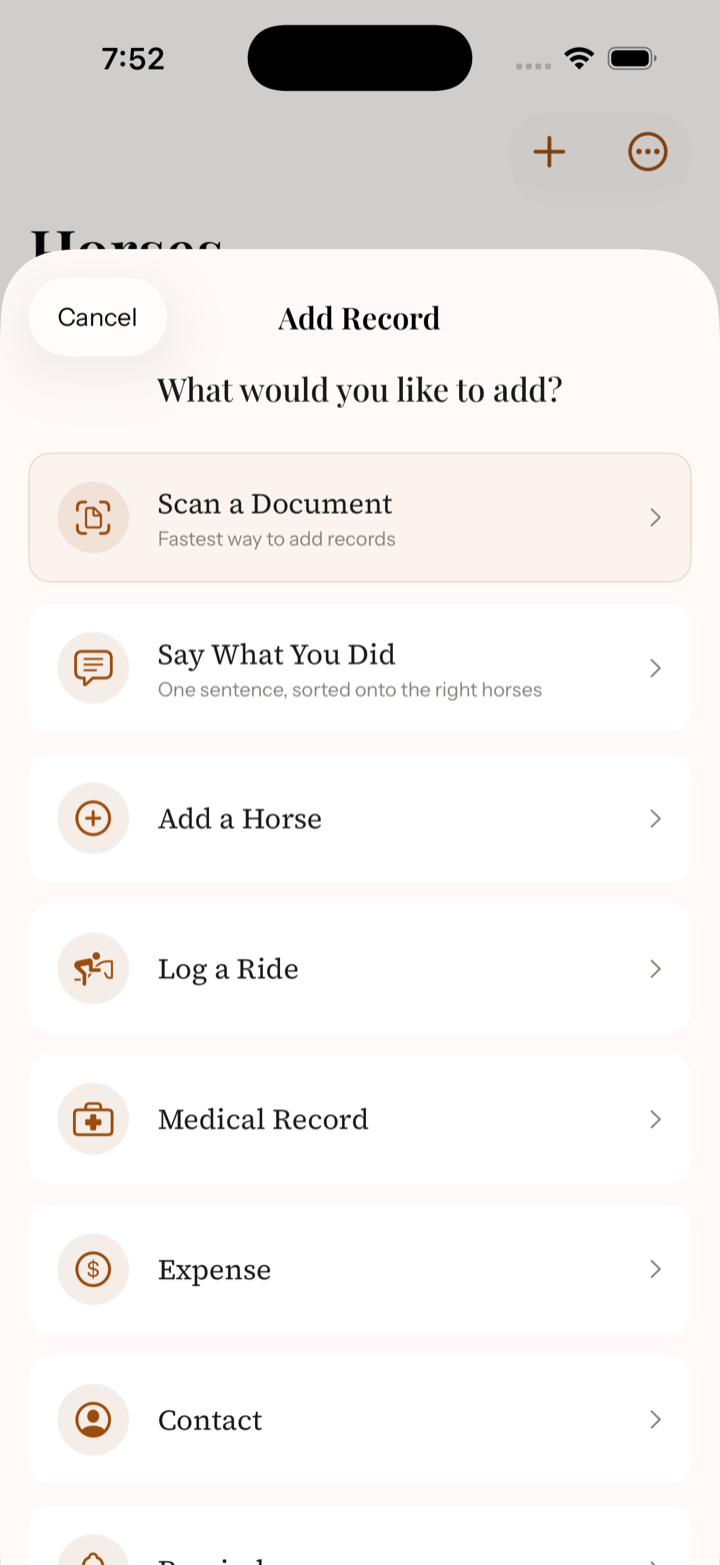
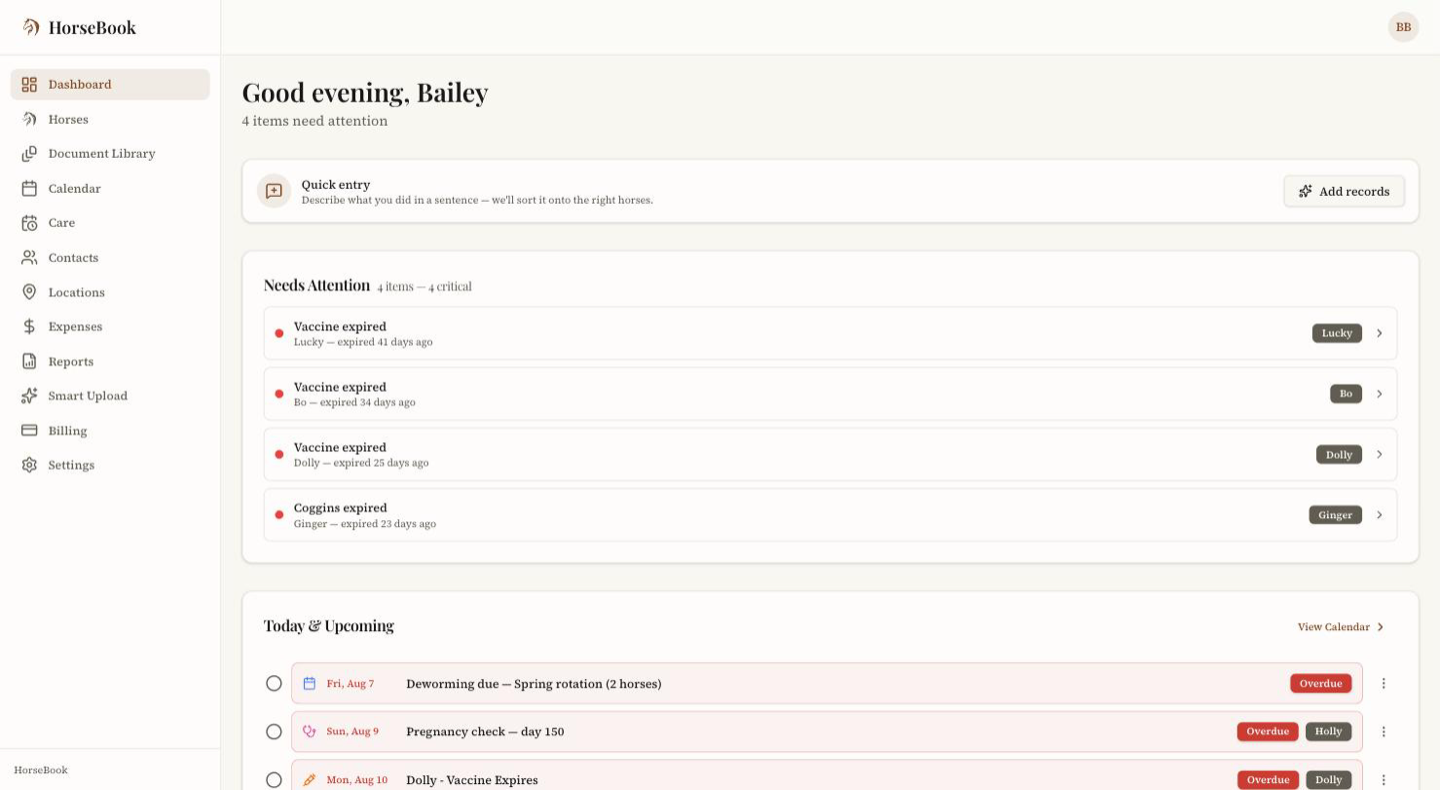
Some records happen with your hands full: the farrier is packing up, four mares just got dewormed, a horse is off her feed. Quick Entry takes that as a sentence, in your own words, and files it onto the right horses. On the iPhone it's called Say What You Did; on the web it's the Quick Entry card on your dashboard, or Say What You Did in the + Add menu.
What to say
Name the horse, say what happened. A few that work:
- "Dewormed Libby, Codie, Annie and Daisy this morning." — four deworming records, one on each horse
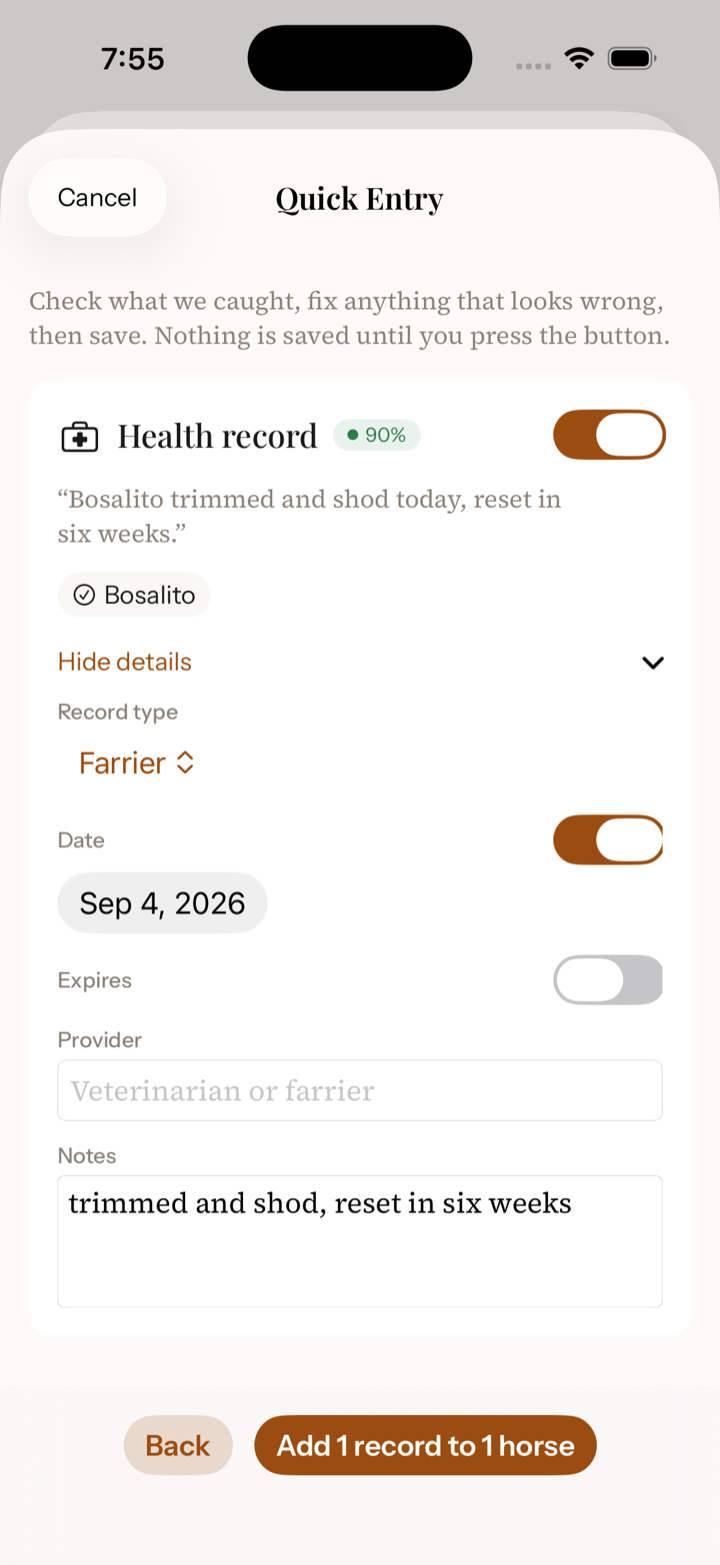
- "Codie trimmed and shod today, reset in six weeks." — a farrier record on Codie, with the reset note kept in the notes
- "Libby's off her feed and running a fever, vet's coming at four." — an illness entry on Libby, in your words
One sentence can cover several horses and several things at once. HorseBook splits it into separate records and puts each one where it belongs. Vitals and medications work the same way: temperature, heart rate, gum color, capillary refill time, and the rest each land in their own field, and a medication gets its name, dose, and route.
Review, then confirm
Nothing saves until you've seen it.
- 1
HorseBook shows each record it understood — the type, the horse, and every field it filled in — with your original sentence above it.
- 2
Fix anything that's off. If it couldn't tell which horse you meant, it offers the closest names from your own list and asks you to pick. It only ever matches horses you already have; it will not create one from a sentence.
- 3
If a horse has a care schedule that matches the record — a farrier visit for a horse on a farrier cycle, say — the confirm screen offers to move that schedule's next-due date forward. Untick it if the visit shouldn't count.
- 4Confirm, and the records land on their horses like any other entry.
Where it lives
Tap + and choose Say What You Did. Type the sentence, or tap the microphone on the keyboard and say it — the iPhone's dictation fills the box and HorseBook does the rest.
Press Say what you did on the Quick Entry card at the top of your dashboard, or choose Say What You Did from + Add in the top bar. Type the sentence and press Continue.
What lands where
- Care visits — farrier, deworming, dental, vaccination, Coggins, chiropractic, and the like become medical records. Shoe types, product names, and notes like "reset in six weeks" are kept word for word in the record's notes.
- Vitals — temperature, heart rate, respiration, gum color and moisture, capillary refill time, gut sounds by quadrant, digital pulse, and skin tent each get their own field.
- Medications — drug name, dose, route, frequency, and withdrawal days.
- Injuries and illness — what happened, what was done, and whether it's resolved, in your words.
Good to know
A vaccine "good for a year" gets an expiration date a year out, and a Coggins twelve months. "Due in six weeks" on a farrier or deworming record stays in the notes; the next-due date comes from the horse's care schedule, which the confirm screen offers to advance.
Its own monthly allowance
Quick Entry has its own allowance of 300 sentences a month, the same on every plan, the free trial included. It is separate from the document scanner: sending a sentence never uses up a scan, and running out of scans never stops Quick Entry. Your count is on the Settings page (web) or the Account screen (iPhone), and the Quick Entry screen tells you when you're getting close. It resets on the 1st of each month. Typing records in by hand stays unlimited on every plan.