How to Keep Records for a Horse You Don't Own
Boarders, half-leases, a client's mare in for the season — plenty of the horses you keep records on aren't yours. Here's how to track a horse you don't own without your list pretending it belongs to you, and keep the real owner's info attached to it.
By Brian Bickell, who builds HorseBook from a ranch in Oklahoma — usually from whatever the folks using it tell me is missing.
Not every horse you keep records on is yours. If you board, train, or care for other people's horses, a good chunk of your barn belongs to somebody else — a boarder's gelding, a horse you're minding while its owner is deployed, a client's mare in for breeding. You still need the vet records, the Coggins, the farrier dates. But the horse isn't yours, and a records app that quietly assumes everything in it is owned by you gets the story wrong in a way that matters — especially when the owner calls and asks for their horse's paperwork.
Here's how to handle that in HorseBook.
Mark whose horse it actually is
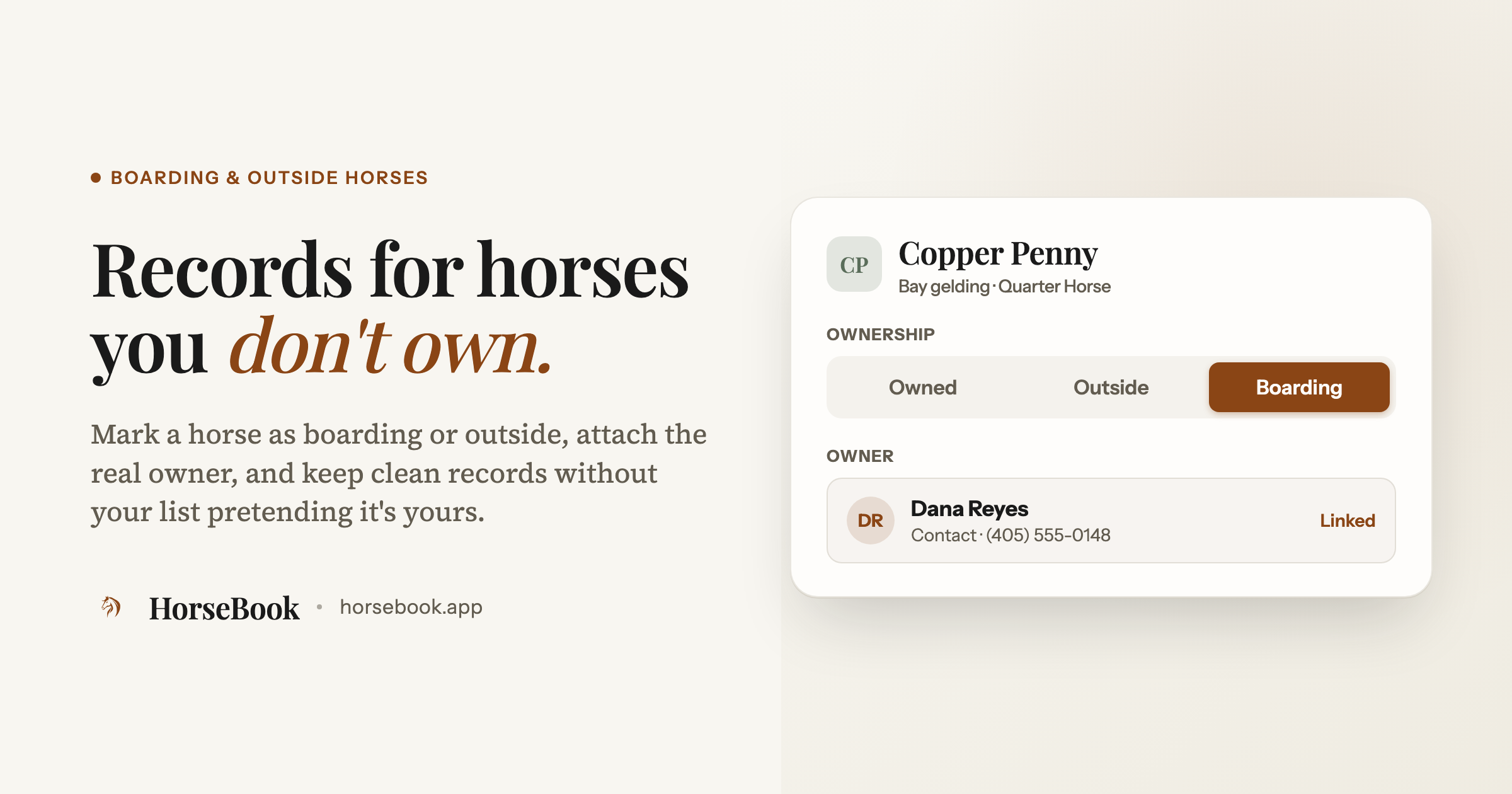
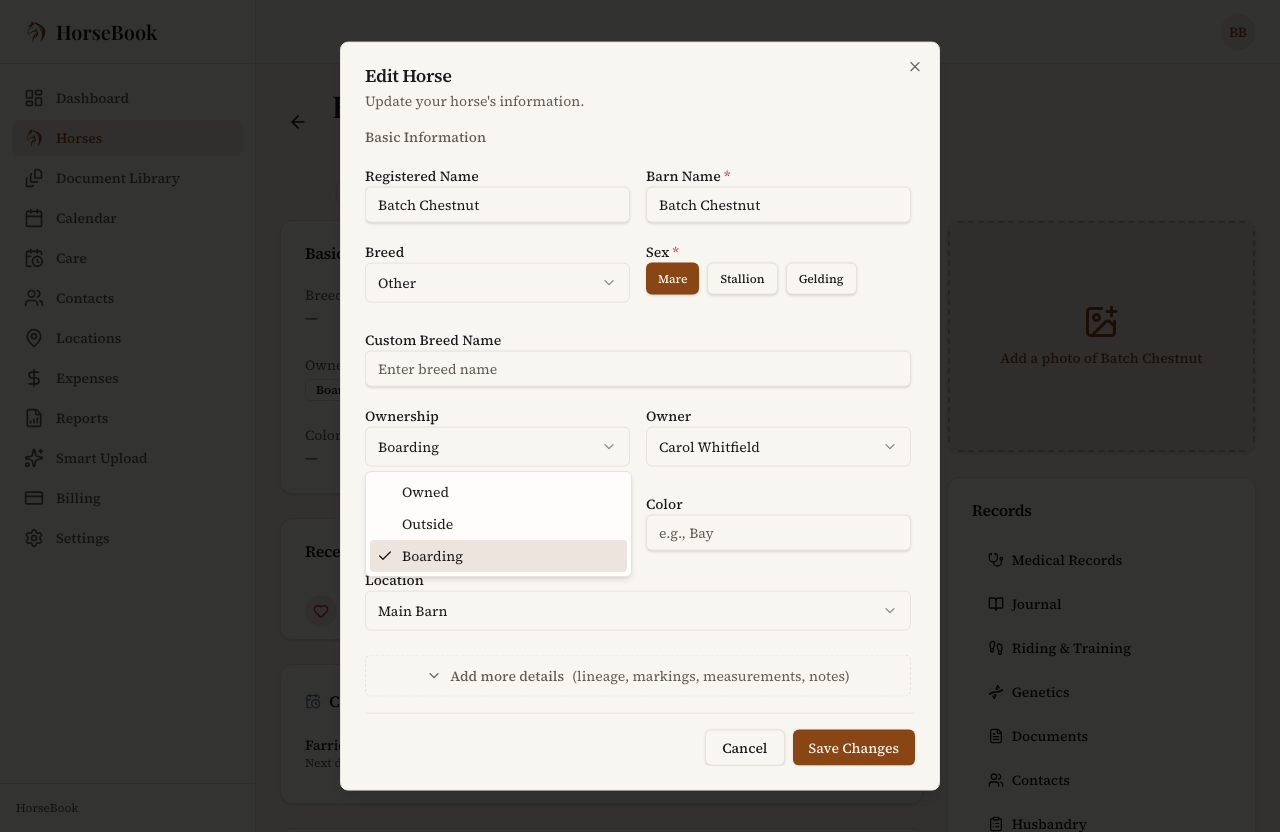
Every horse in HorseBook has an Ownership field with three settings: Owned, Outside, or Boarding. Set it to the truth for each horse and your list stops pretending a boarder's horse is one of yours.
- Open the horse and edit it.
- Set Ownership to Outside (a horse you care for but don't own) or Boarding (a horse boarding with you).
- Save.
Attach the real owner
The moment a horse isn't Owned, an Owner field appears. Link it to a contact so the actual owner's name and info travel with the horse — so when you need to reach them, or hand off records, you're not digging through text messages for a phone number.
- With ownership set to Outside or Boarding, open the Owner field.
- Pick the owner from your contacts. (If they're not in there yet, add them under Contacts first, then come back and link them.)
Now the horse's record knows whose it is, and the owner's details are one tap away instead of in your head.
Pull up just the ones you're minding
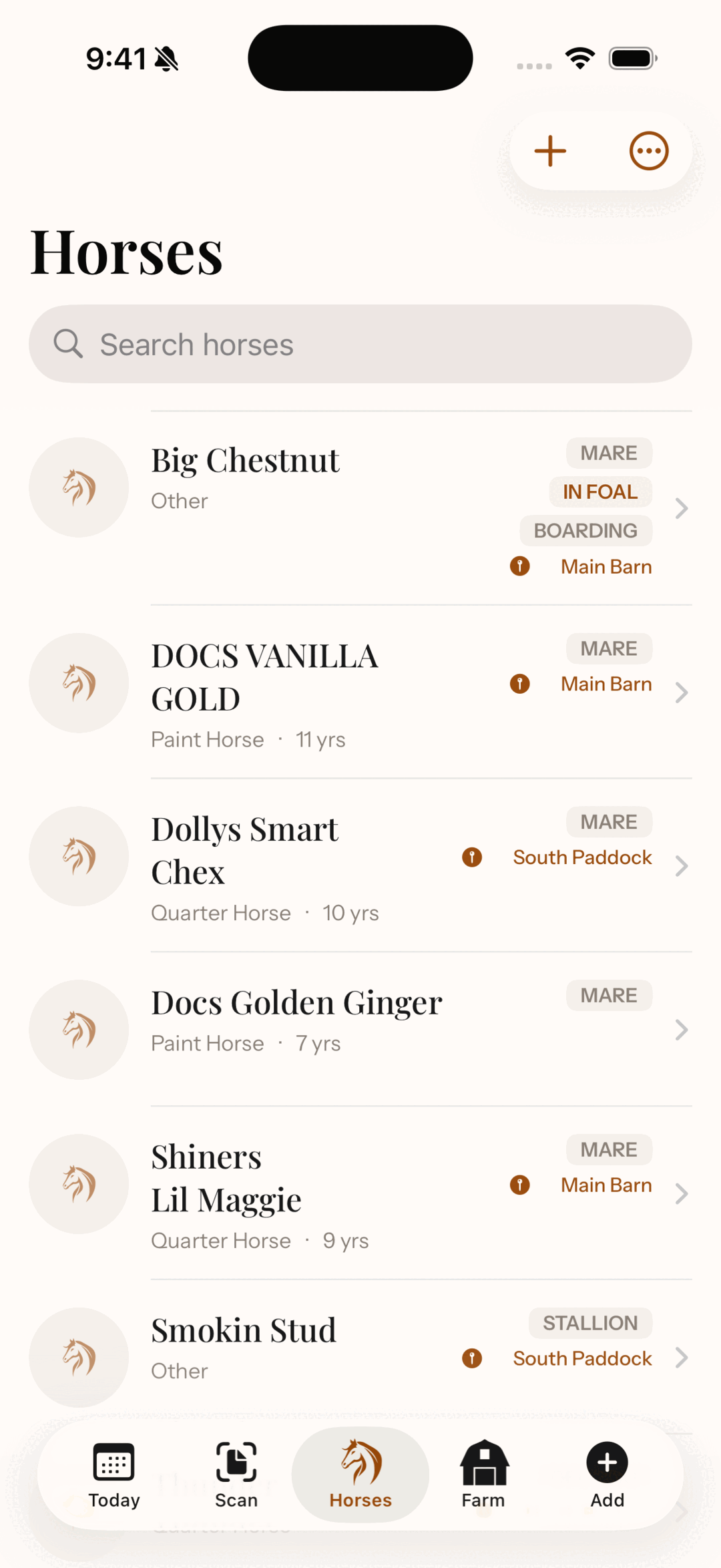
Once you've got horses marked as non-owned, the Horses list gains an ownership filter. Use it to show just your Owned horses, or just the Boarding string, or everything at once. It's the quick way to answer "which of these are actually mine" — useful at tax time, or when you're doing a barn count and want to separate your horses from the ones passing through.
An honest note on what this is and isn't
Two things worth being straight about:
- This isn't multi-user access. Marking a horse as boarding tracks your records about that horse. It doesn't give the owner their own login into your account, and it doesn't sync to an account they keep separately. It's your records, correctly labeled — not a shared workspace. (Shared access is something I get asked about, and it's on my list, but I won't pretend it's here when it isn't.)
- Non-owned tracking is a Pro-plan feature. You'll see the Ownership options on any plan, but setting a horse to Outside or Boarding is part of Pro — which is where HorseBook starts earning its keep for people running a barn rather than a couple of their own horses. There's a free trial below if you want to try it first.
If you also keep horses across more than one property, the locations and herd tools pair naturally with this — a boarding barn is often a place as well as an ownership status. And the broader idea here is the same one behind keeping any horse's records where you'll actually find them: the record's only useful if it's honest about what it's describing.
Try it
HorseBook runs on the iPhone app and the web app, and there's a 14-day free trial with no credit card. If you keep records for horses that aren't yours, mark one as boarding, link its owner, and see if your list finally reads the way your barn actually is.
And if there's something about tracking other people's horses that this doesn't do yet, tell me — I read every message, and a lot of what's in here started as one.