How to Make a Horse Sale Packet (Printable Records for a Buyer)
A serious buyer wants to see the horse's history — vaccines, Coggins, breeding, the works. Here's how to hand them one clean printout instead of a shoebox of paper, straight from the records you've already been keeping.
By Brian Bickell, who builds HorseBook from a ranch in Oklahoma — usually from whatever the folks using it tell me is missing.
When you sell a horse, the paperwork is part of the sale. A serious buyer — or their vet — is going to want the history: what shots it's had, when the last Coggins was pulled, the breeding record if it's a broodmare, what you've spent keeping it sound. And "I've got it all somewhere" isn't the same as handing them a clean, organized packet they can actually read. The packet is part of what makes the horse look well-kept, because a horse with tidy records reads as a horse somebody paid attention to.
If you've been keeping the records in HorseBook, the packet is a couple of taps. Here's how.
Build the packet from one horse's record
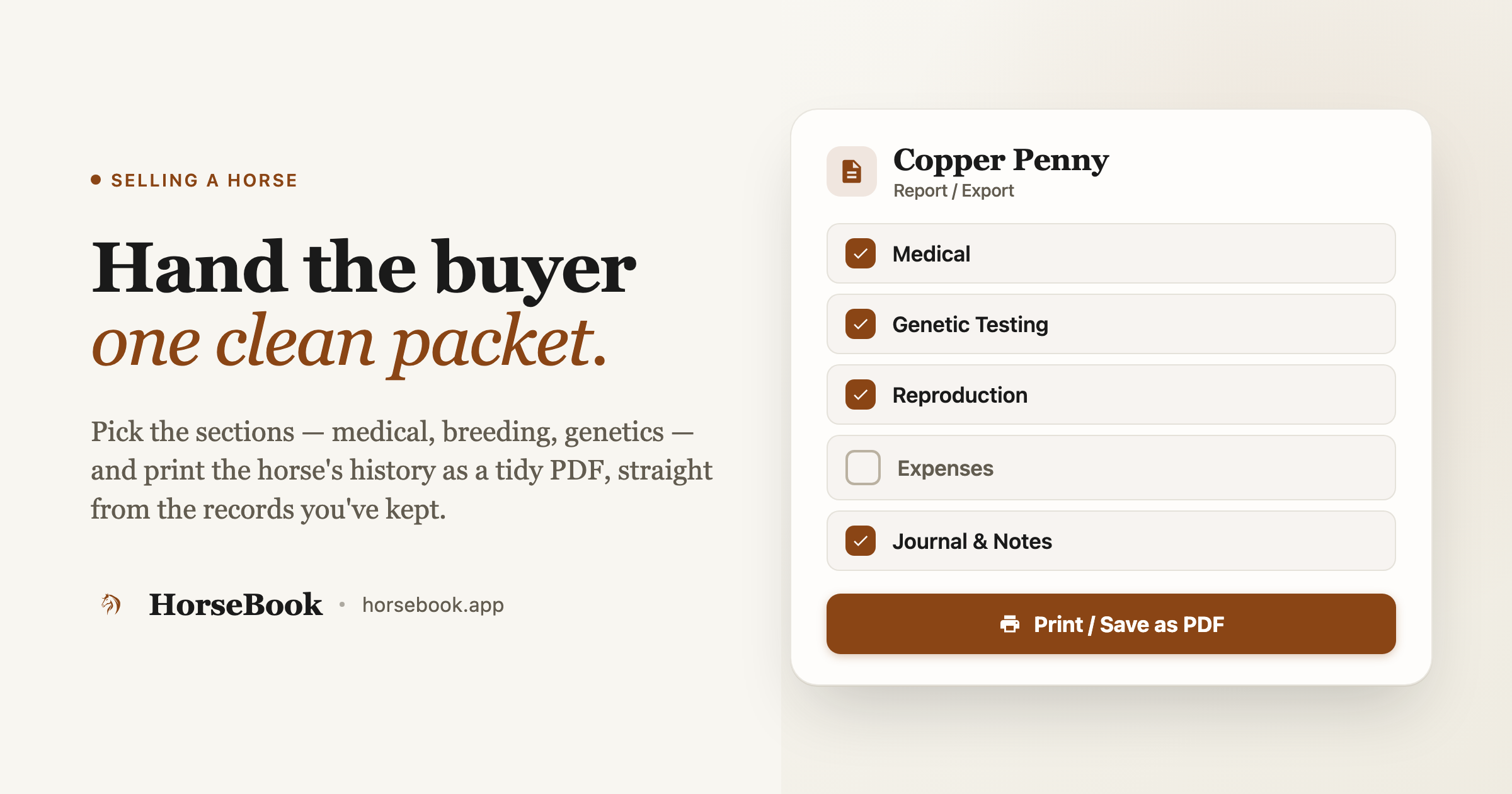
Every horse in HorseBook can print its own report — you pick what goes in it, and it comes out as a clean PDF.
- Open the horse, tap the ··· menu, and choose Report / Export.
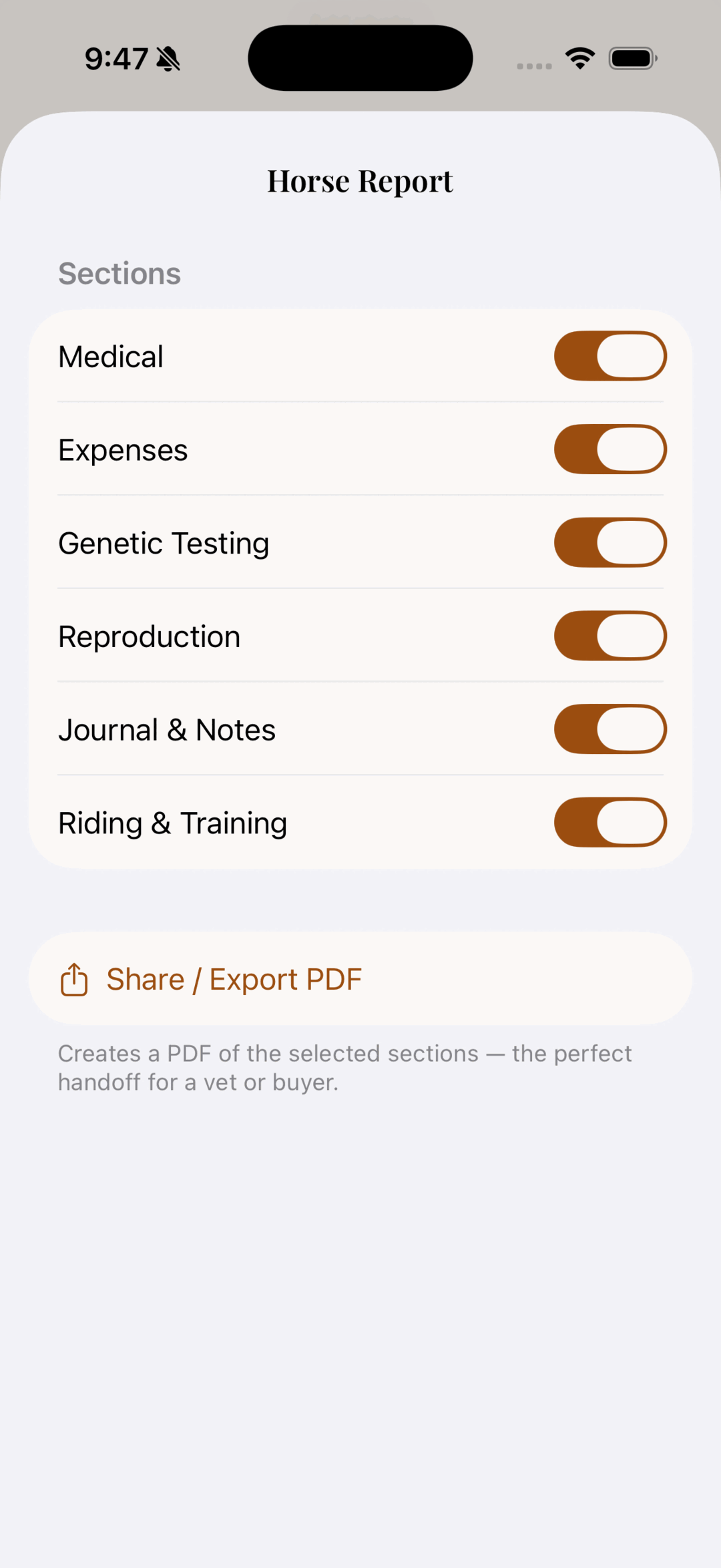
- You'll get a set of section checkboxes — Medical, Expenses, Genetic Testing, Reproduction, Journal & Notes, Riding & Training. Check the ones that belong in a buyer's packet and uncheck the ones that don't.
- Hit Print / Save as PDF.
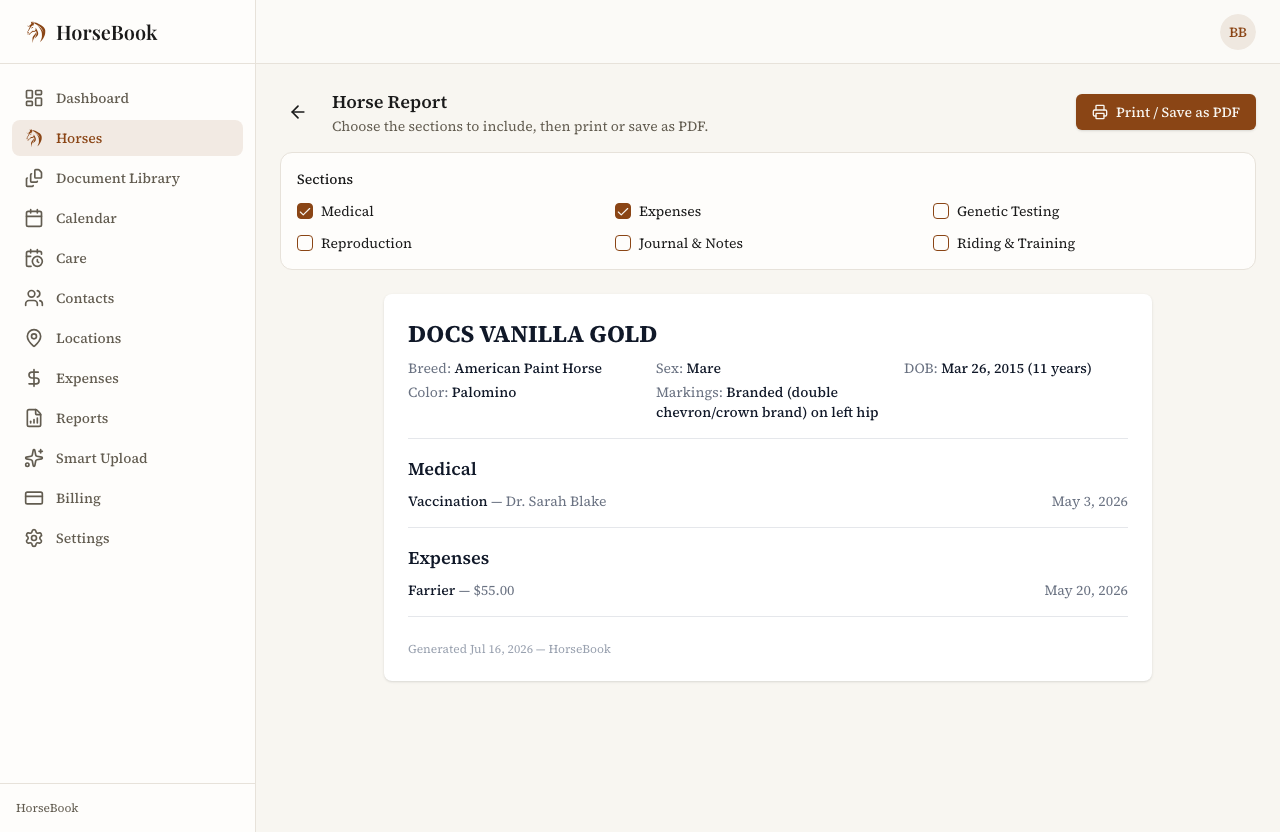
The report leads with the horse's photo and the basics a buyer checks first — breed, sex, date of birth, color, markings, microchip — and then lays out the sections you chose underneath, each dated. Save it as a PDF to email, or print it to send along with the horse.
Pick the sections for the audience
The checkbox part matters more than it looks. Different packets want different things:
- For a buyer or their vet: Medical (vaccines, Coggins, vet history), Genetic Testing if you've got it, and Reproduction for a broodmare. That's the health-and-breeding picture.
- You'll usually leave out Expenses. What you've spent keeping the horse is your business, not the buyer's, and it doesn't belong in a sale packet. One unchecked box handles that.
Because you choose per-report, the same horse can produce a buyer's packet today and a full vet-visit printout next week without keeping two sets of anything.
After the sale: archive, don't delete
Once the horse is gone, you don't want it cluttering your active list — but deleting it throws away the exact records you might get asked about later ("hey, when was her last Coggins?"). So archive the horse instead. Open it, choose Archive from the ··· menu, pick the reason — Sold — and it drops off your active list while every record stays intact and reachable.
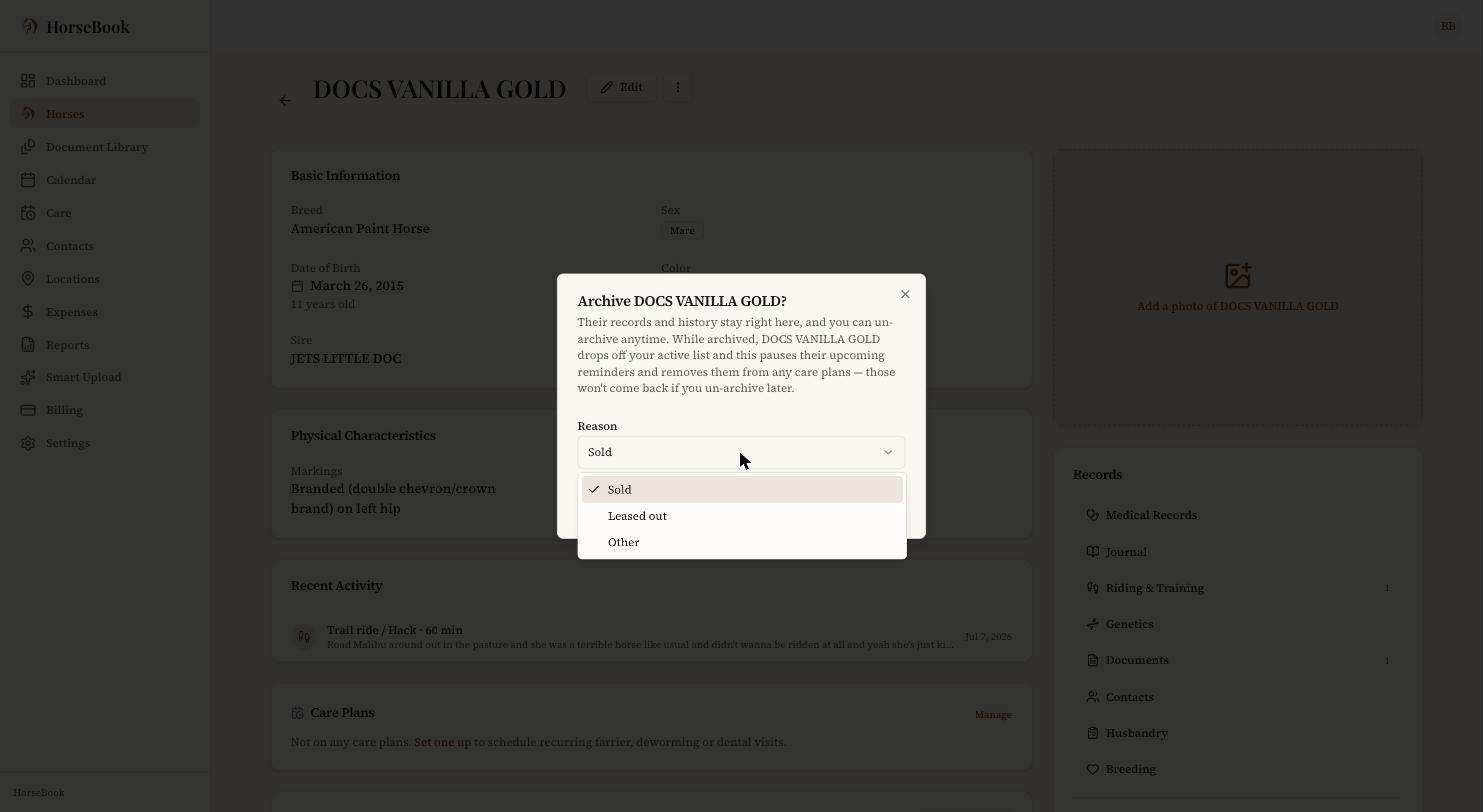
That way, if the new owner or their vet calls six months on, you can still pull the horse up and answer.
One honest limit
This packet is a printout of the records you've kept — it's exactly as complete as what you've put in, and no more. It's the health-and-history side of a sale, not the legal side: it is not a bill of sale or a transfer of registration, and it doesn't replace them. For the full checklist of documents a sale actually needs — bill of sale, registration transfer, pre-purchase exam, and the rest — I wrote a complete buying-and-selling paperwork guide that this packet slots into.
(Exporting reports is a Pro-plan feature — worth knowing before you go looking for the button. There's a free trial below.)
Try it
HorseBook runs on the iPhone app and the web app, with a 14-day free trial and no credit card. If you've got a horse to sell, keep its records in one place for a couple of weeks and then print the packet — it's a lot easier than assembling one out of a folder the night before the buyer comes.
And if there's something a sale packet needs that mine doesn't produce yet, tell me. I read every message, and the section-picker exists because sellers told me they didn't want to hand a buyer everything — just the right things.