Riding & Training Logs: Keeping a Record of the Work, Not Just the Vet Bills
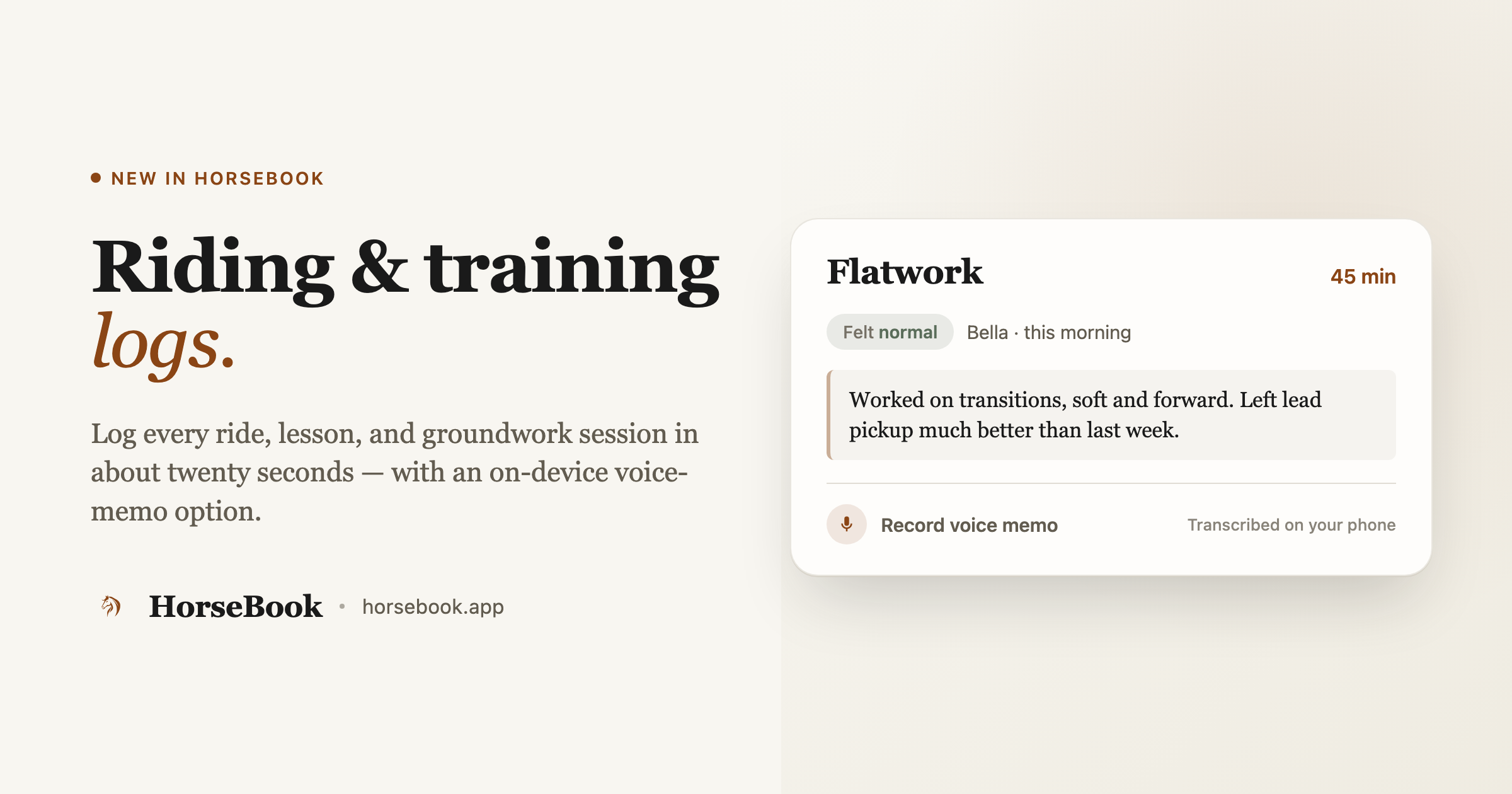
Most horse apps track the paperwork. HorseBook also tracks the work — every ride, lesson, and groundwork session, logged in about twenty seconds, with an on-device voice memo option and a plain-English summary of how much a horse has actually been doing.
By Brian Bickell, who builds HorseBook from a ranch in Oklahoma — usually from whatever the folks using it tell me is missing.
For a long time HorseBook was a paperwork app. Vet records, Coggins, registration, expenses — the stuff that lives in a folder. All useful, all the kind of thing you go looking for once in a while. But most people interact with their horse far more often than they interact with its paperwork. They ride it. And there was nowhere to write that down.
So we added riding and training logs. It's the record type you actually touch most days, and it's on both the iPhone app and the web app. Here's how it works.
What a session log holds
Every horse has a Riding & Training area on its profile. Each entry is one session — a ride, a lesson, some groundwork — and it holds:
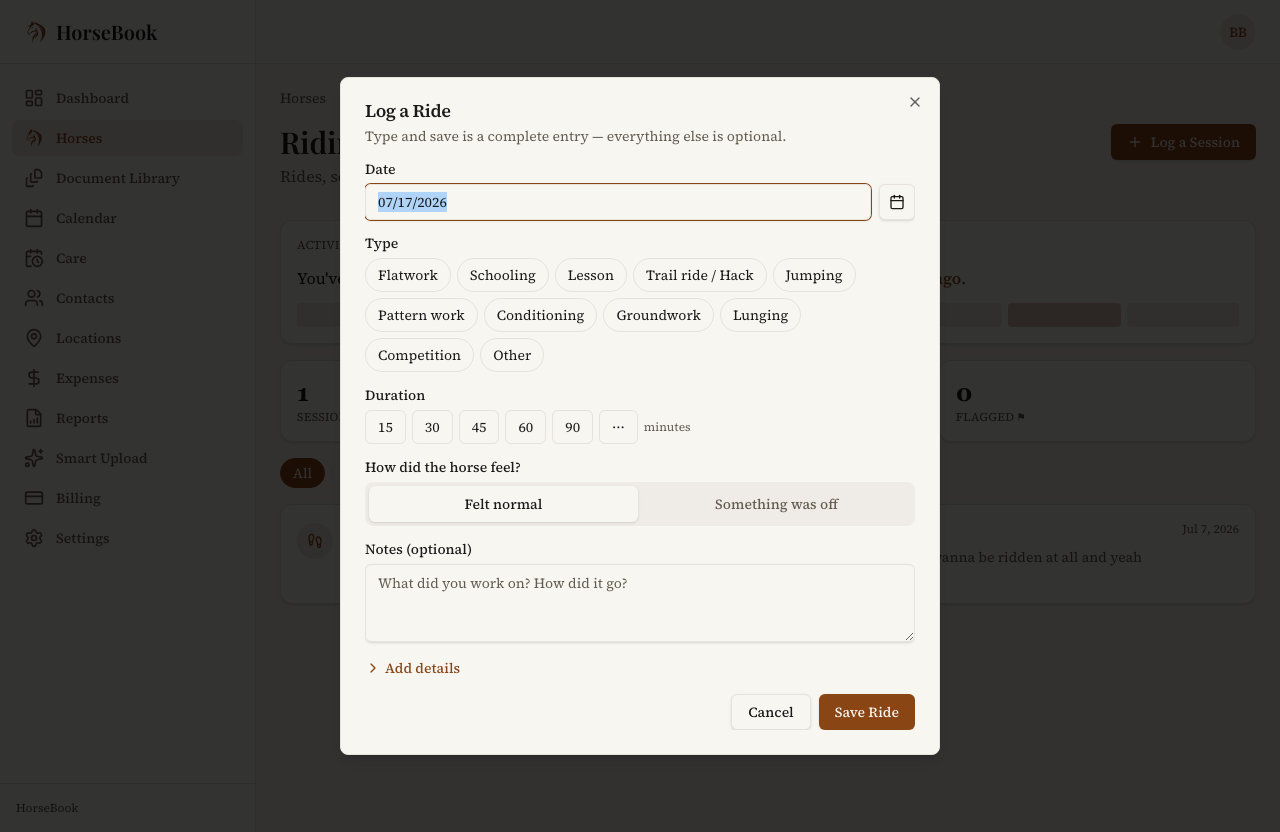
- What kind of session it was. The type list covers both English and Western vocabulary, on purpose, because "flatwork" and "pattern work" are the same idea to two different people: Flatwork, Schooling, Lesson, Trail ride / Hack, Jumping, Pattern work, Conditioning, Groundwork, Lunging, Competition, or Other.
- How long you went — quick-pick duration buttons, or a custom number if the presets don't fit.
- How the horse felt. A simple two-way toggle: Felt normal or Something was off. It's not a diagnosis and the app won't pretend to be your vet — it's just a flag so that if you're looking back trying to figure out when a soundness thing started, the session where it first felt funny is right there in the record.
- Notes, and a photo if you want one.
Logging one takes about twenty seconds
The whole thing is built so you'll actually keep it up, which means it has to be fast enough to do while you're still untacking. Pick the type, hit save, and you've got a complete entry — the date defaults to today, and everything else is optional. Add the duration and a note if you've got a second; skip them if you don't.
How to log a session:
- Open a horse and go to its Riding & Training tab.
- Tap Log a Session.
- Pick the type, and save. Add duration, a soundness flag, or a note if you want — none of it's required.
Talk it out instead of typing (iPhone)
This is the part I'm proudest of, and it's the iPhone's to shine on. Instead of thumb-typing a note with cold hands after a ride, you can hit Record voice memo, talk through how the session went, and your phone writes it down for you. The transcript drops straight into the notes field, where you can fix anything before you save.
The part that matters: the transcription happens on your device. Your voice memo isn't shipped off to some server to be processed — the phone does it locally. (On the rare device where on-device transcription isn't available, you can still record audio and type the note yourself.)
How to use it:
- In the session form, tap Record voice memo.
- Talk through the ride — "worked on the left lead, felt sticky picking it up, better by the end."
- Stop, and the transcript lands in your notes. Edit if you need to, then save.
The part that pays off later: the summary
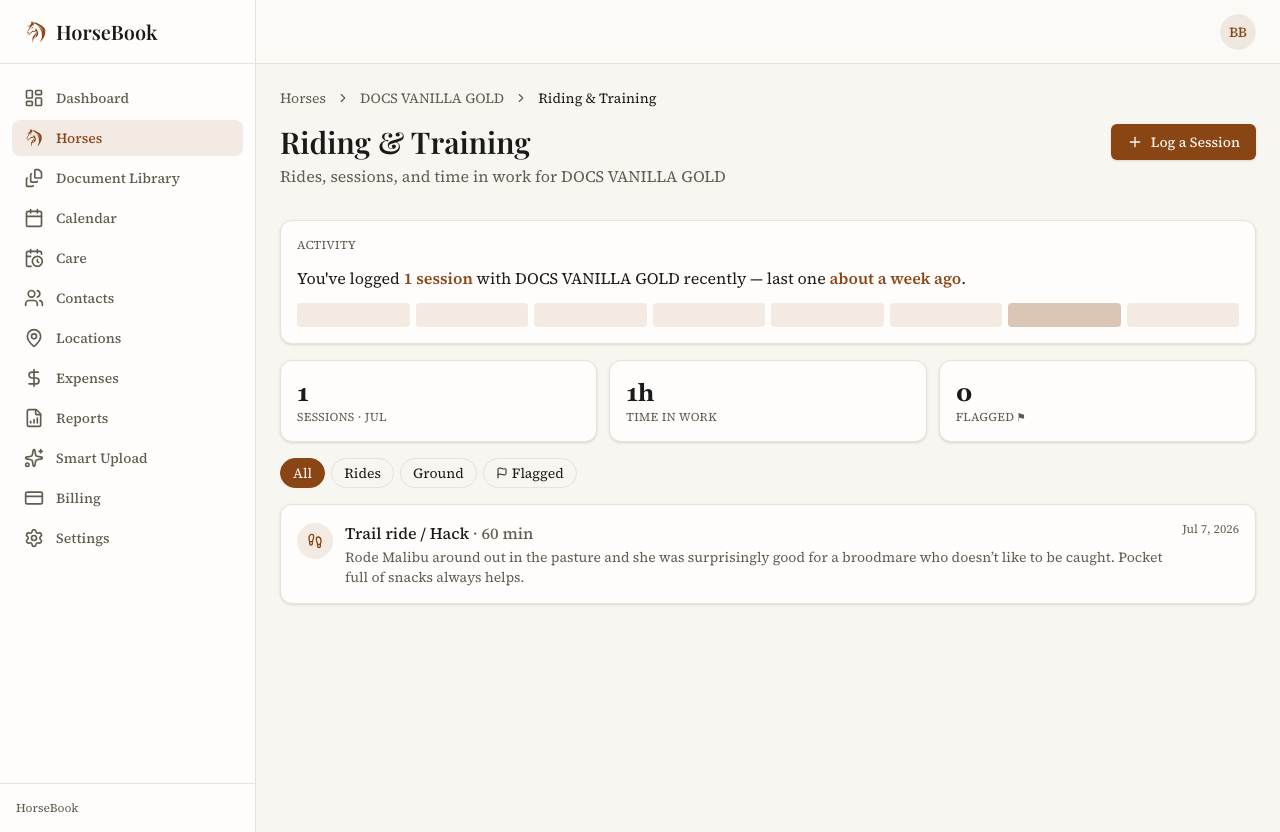
One session is just a note. The value shows up when there are thirty of them. Open a horse's Riding & Training area and, above the list, HorseBook gives you a plain-English read on the rhythm — something like "You've worked Biscuit about once a week lately — last session yesterday." No charts to squint at, just a sentence, over a soft eight-week window. It's the answer to "have I actually been riding this horse, or does it just feel like it," which is a more useful question than it sounds.
Is this a ride tracker?
Worth being clear, because it's a fair question: no, this isn't GPS ride tracking. If what you want is a map of your trail with speed and elevation, that's a different category of app — I wrote about where those fit. HorseBook's training log is a record — what you did, how long, how it went — that lives on the same horse profile as the vet records and the breeding history, so the whole picture of a horse is in one place. Different job. Some folks want both, and that's fine.
If keeping the whole story of a horse in one spot is the point for you, that's the same idea behind keeping any horse record where you'll actually look — the ride log is just the piece of it you touch most often.
Try it
Riding and training logs are in HorseBook now, on both the iPhone app and the web app, and there's a 14-day free trial with no credit card. Log one ride after you untack tomorrow and see if it sticks.
And as always — if there's something about how you track your riding that this doesn't do yet, tell me. The voice memo, the both-dialect type list, the plain summary — all of that came from people writing in about how they actually work. I read every one.